Compose Is a Project, Not a Folder of Containers
What Compose creates, what it deletes, and why down -v is a data-loss command
Compose Is a Project, Not a Folder of Containers
I used to treat Compose as a shorter way to write three docker run commands. That model works right up until you run docker compose down -v and discover it also deletes the database.
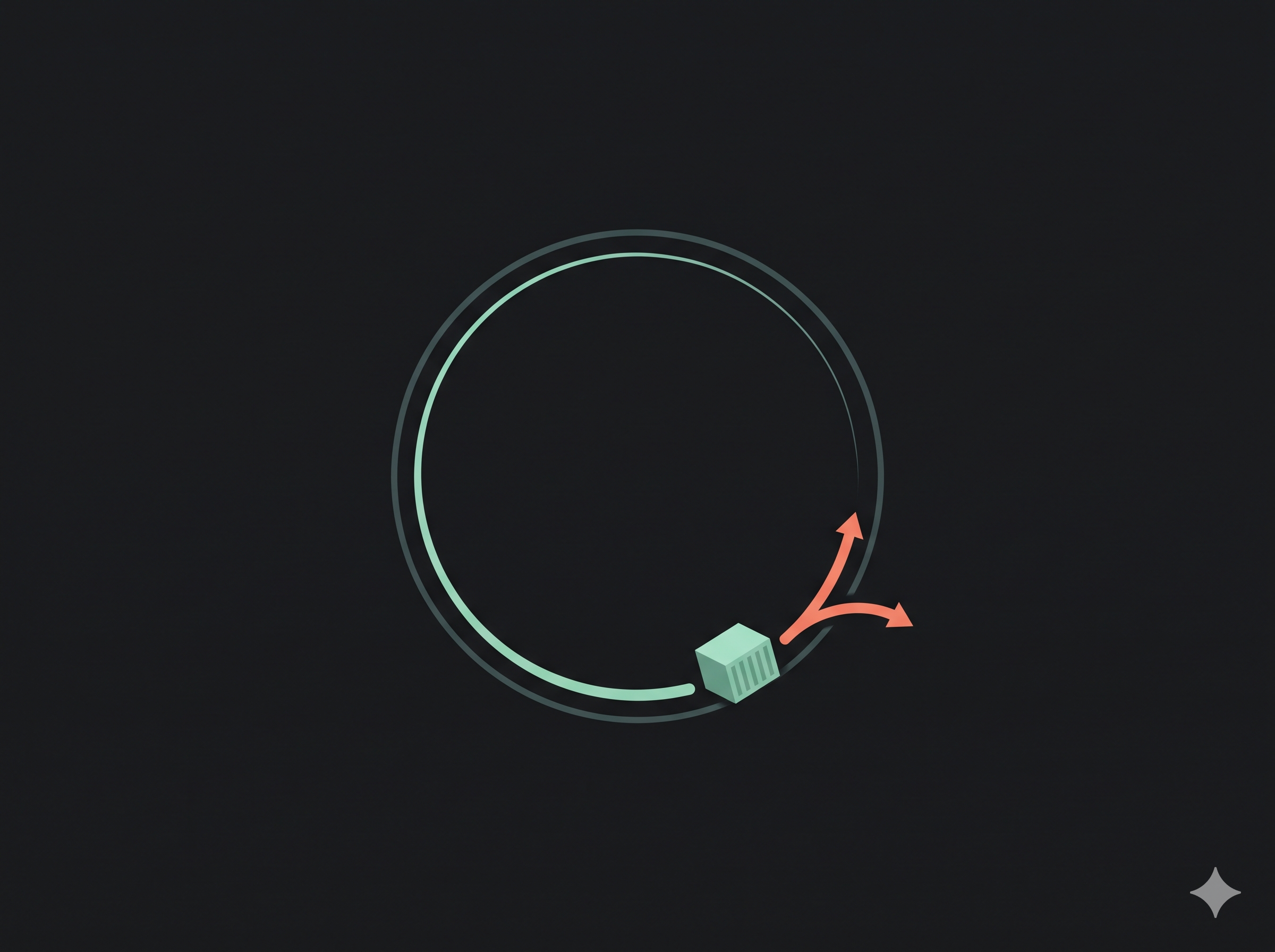
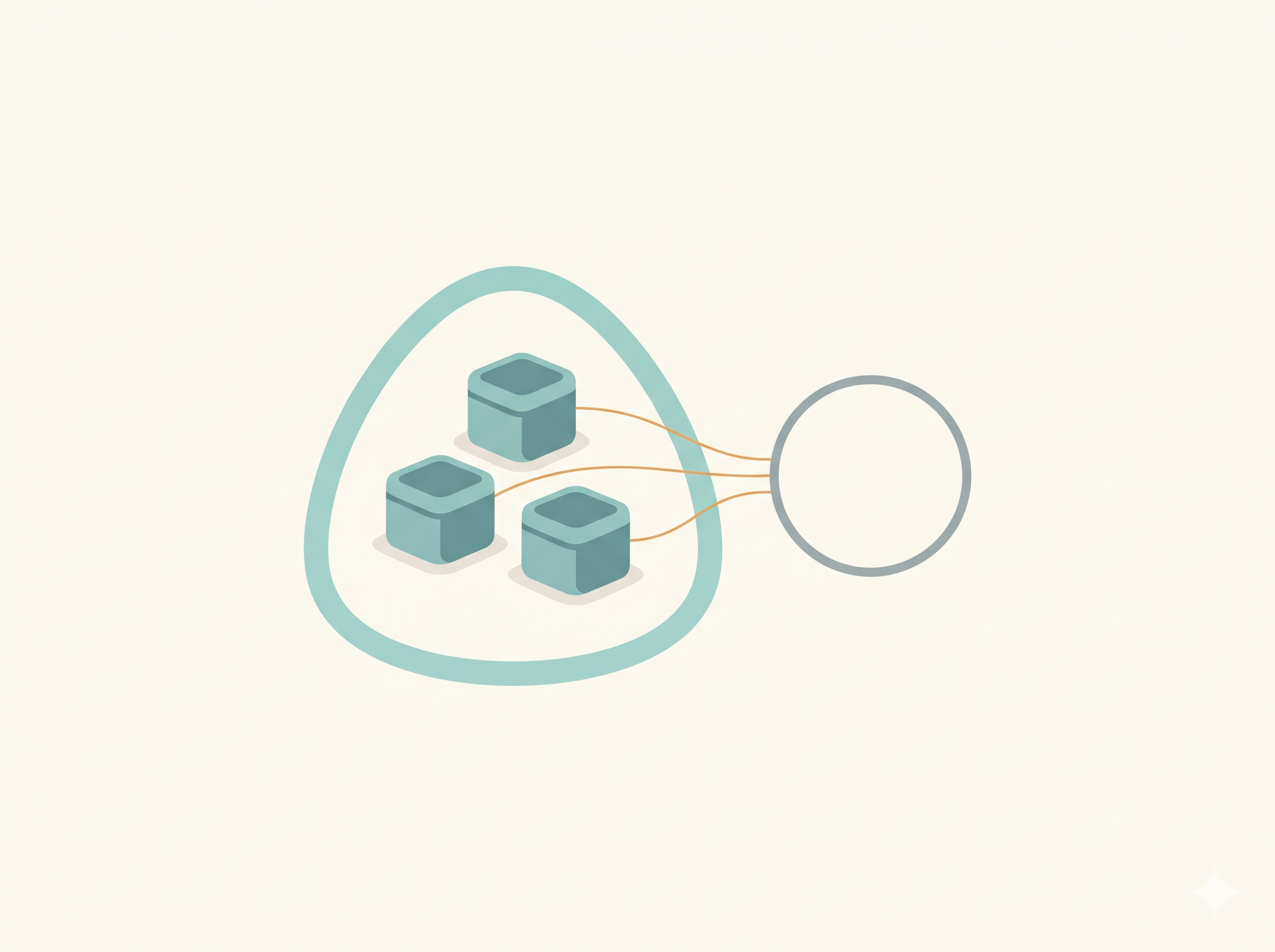
Compose is not a shortcut for a list of containers. It is a project: a named group of services, networks, volumes and labels that Docker creates and removes together. Once I understood that, the commands made sense, including the destructive ones.
The problem: three containers and no shared model
A small stack usually has the same shape: a web service, an API, a database. With plain Docker, I had to remember:
- which network each container joined
- which ports were published
- which volumes were mounted where
- which environment variables each service needed
- the order I started them in
That is a lot of state to keep in my head for something I want to run every day. It also cannot be reviewed. A teammate cannot read my shell history and see the stack.
Compose moves that state into a file. The file is versionable, reviewable and repeatable. That is the real benefit, not saving typing.
The mental model: a project with a name
When you run docker compose up, Compose creates a project. The project name comes from the directory name by default, or from -p / COMPOSE_PROJECT_NAME.
Everything in the file belongs to that project:
- Services become containers.
- Networks become project-scoped networks, usually
<project>_default. - Volumes become named volumes with the project prefix.
- Labels let Compose find the resources it owns.
That is why Compose does not use the default docker0 bridge. It creates its own network, and service names resolve there automatically. The web container can reach db by name because both are on the same project network.
This is the same user-defined-network idea from plain Docker, just automated.
Walkthrough: a web and database stack
Create a file named compose.yaml:
services:
  web:
    image: nginx:1.27-alpine
    ports:
      - "8080:80"
    volumes:
      - ./site:/usr/share/nginx/html:ro
    depends_on:
      - db

  db:
    image: postgres:16-alpine
    environment:
      POSTGRES_PASSWORD: ${DB_PASSWORD:?set DB_PASSWORD in .env}
    volumes:
      - db-data:/var/lib/postgresql/data

volumes:
  db-data:
Create a local .env file:
# Local only. Never commit this.
DB_PASSWORD=change-me
The ${DB_PASSWORD:?set DB_PASSWORD in .env} syntax fails fast if the variable is missing. That is better than starting a database with an empty password and finding out later.
Start the stack:
docker compose up -d
-d runs it in the background. Compose builds images if a service has build:, pulls images if it has image:, creates the network, creates the volumes and starts the containers.
Check what exists:
docker compose ps
docker compose ps -a
The first shows running services. The second includes stopped ones. This is the Compose version of docker ps.
Read the logs:
docker compose logs -f web
Run a command inside a service:
docker compose exec web sh
Run a one-off command in a new container:
docker compose run --rm web sh
The difference matters. exec uses a running service container. run creates a separate one, usually for a migration or a test. --rm removes it when it exits.
Render the final configuration:
docker compose config
This is one of the most useful commands in Compose. It resolves variables, merges overrides and shows what Docker will actually use. When a variable is not interpolating, this is where I look first.
Stop without removing:
docker compose stop
Stop and remove the containers and the project network:
docker compose down --remove-orphans
Remove the volumes too:
docker compose down --volumes --remove-orphans
That last command is how a database disappears. --volumes deletes named volumes. It is not a cleanup flag. It is a data-loss flag with a friendly name.
Build versus image
A service can use an existing image:
services:
  web:
    image: nginx:1.27-alpine
Or build one:
services:
  api:
    build:
      context: .
      dockerfile: Dockerfile
Or use both:
services:
  api:
    build: .
    image: rg0901/demo-api:1.0
The combination is useful: Compose builds the image and tags it with the name you would push. It does not push it. That is still docker push.
What Compose is not
Compose runs on one host. It is not a scheduler and it is not a replacement for Kubernetes. It does not reschedule a failed container on another machine, and it does not manage a cluster.
For a local development stack, a small self-hosted service or a demo, that is fine. For production across multiple hosts, the boundary is different.
That is not a criticism of Compose. It is a scope decision. Compose gives one host a reproducible application definition. A scheduler gives many hosts a placement policy. Mixing the two expectations is how people end up disappointed by a tool that is doing exactly what it says.
Compose also does not make depends_on a readiness check. More on that below.
Overrides are part of the project model
Compose can merge more than one file. The base file describes the stack; an override file changes it for a specific environment:
docker compose -f compose.yaml -f compose.override.yaml up -d
A common pattern is a base file with the services, and an override that adds a bind mount or changes a port for local development. Compose merges the files in order, with later files taking precedence.
That is useful, but it also makes docker compose config more important. The file you read may not be the configuration Docker runs. The rendered output is the source of truth.
I keep the base file boring and put local-only changes in an override that stays out of version control. It is the same reason I keep .env local: the stack should be reproducible without carrying my machine's paths.
A safer cleanup habit
down and down -v are not two versions of the same command. One removes the project. The other removes the data.
My rule is simple: down is the default. down -v is a deliberate reset.
Before the reset, I check the volumes:
docker volume ls
docker compose config --volumes
docker compose config --volumes lists the named volumes the project will use. If the list includes a database volume, -v will delete it.
I also check for orphan containers before cleanup:
docker compose ps -a
docker compose down --remove-orphans
Orphans are services that were removed from the file but are still running from an earlier version. They are easy to forget and easy to leave behind. --remove-orphans is safe for that case; --volumes is the one that needs a pause.
Gotchas
docker composeis v2.docker-composewith a hyphen is the old Python tool and is end-of-life. Use the plugin.- Compose does not join
docker0. It creates<project>_default, which is why service names resolve. down --volumeis not the flag. Use--volumesor-v.down -vdeletes named volumes. Do not use it if the data matters.depends_oncontrols start order, not readiness. The database container can be "started" before it accepts connections. Use a healthcheck and retry logic.container_nameblocks scaling. A fixed name means Compose cannot create multiple replicas of that service.- Relative bind-mount paths are relative to the Compose file, not your shell's current directory.
- The top-level
version:key is obsolete in Compose v2. Omit it. - Port collisions are common. Change the host side of the mapping, not the container side.
.envis for interpolation. It does not automatically become the container environment. Useenvironmentorenv_file.--remove-orphansis not automatic. Services removed from the file can leave containers behind.
Recap
- Compose creates a project: services, networks, volumes and labels.
- Service names resolve on the project network, without hardcoded IPs.
up -dbuilds, pulls, creates and starts the stack.downremoves containers and the network;down -valso removes volumes.depends_onis start order, not readiness.docker compose configshows what Compose will actually run.
Compose became predictable when I stopped thinking of it as a command wrapper and started thinking of it as a project boundary. The file is the source of truth. The commands operate on the whole project, not just the containers I can see.
Source notes
- Repository notes: https://github.com/rg0901/build-log/tree/main/DevOps-Tool/Docker
- Docker Compose overview: https://docs.docker.com/compose/
- Compose file reference: https://docs.docker.com/reference/compose-file/
- Compose CLI reference: https://docs.docker.com/reference/cli/docker/compose/
- Environment variables in Compose: https://docs.docker.com/compose/environment-variables/
About the author
Aspiring DevOps Engineer with hands-on experience in cloud platforms, automation, CI/CD pipelines, containerization, and infrastructure as code. Skilled in AWS, Docker, Kubernetes, Terraform, Ansible, and modern monitoring tools. Experienced with Linux administration, cPanel hosting environments, and deployment workflows. Additionally trained in full-stack development using React and FastAPI.
Comments
Join the discussionNo comments yet. Be the first to comment.